 Shelfnook
Your home library, with friends.
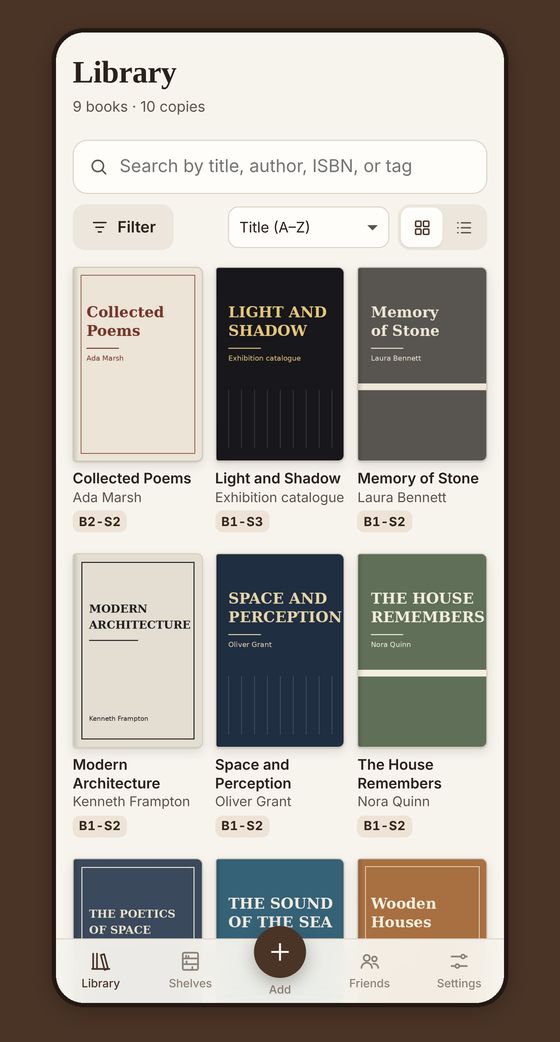
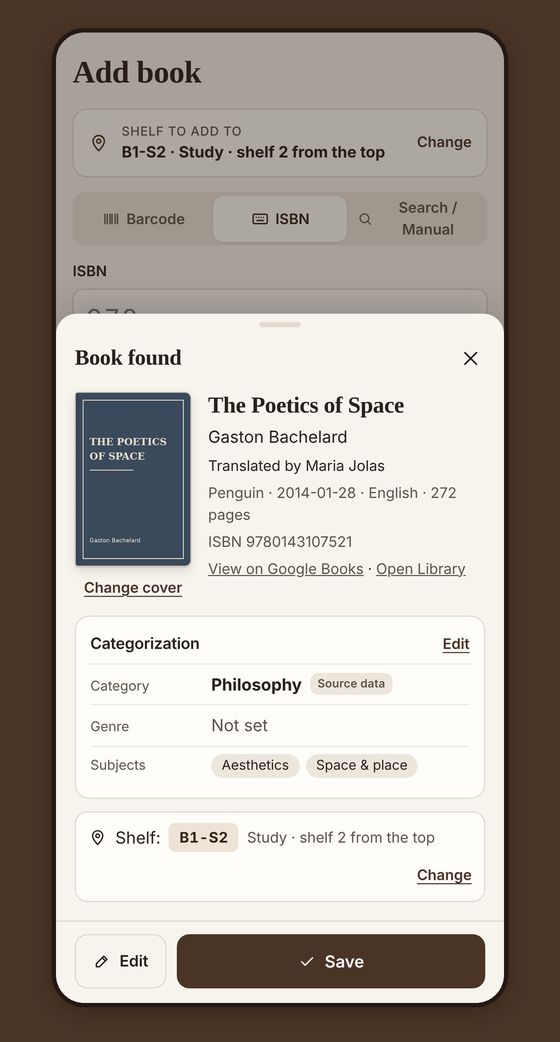
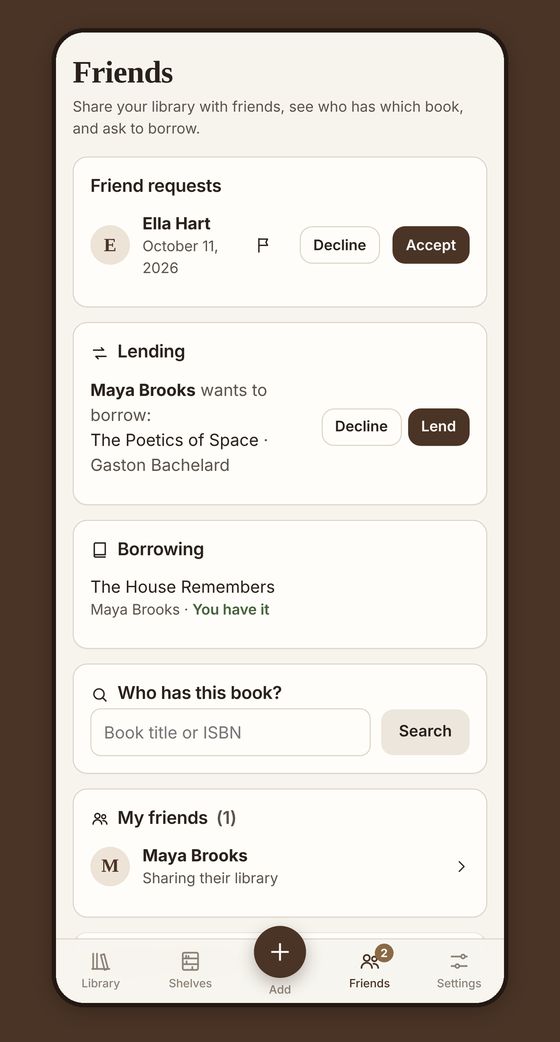
Add your books in seconds by scanning the barcode, always know which shelf they’re on, and never forget who borrowed what.
Already have an account? Sign in. Your web account works in the iPhone app too. What can it do?
Until 30 November 2026
Become a Founding Reader
Everyone who creates an account by 30 November gets the Founding Reader badge. It stays on your profile for good, and no one can earn it after that date. Founding Readers also get a few small surprises in the first update.
On iPhone, download the app from the App Store and create your account. On Android, create it in your browser for now; when the Android app is out, just sign in with the same account.
Create your account